
Make spending a breeze: Add your Greenville Heritage debit card to your digital wallet
Enjoy the convenience of using your debit card in your digital wallet. Easily add it in just a few taps, and you can:



How to easily add your GHFCU debit card to your digital wallet
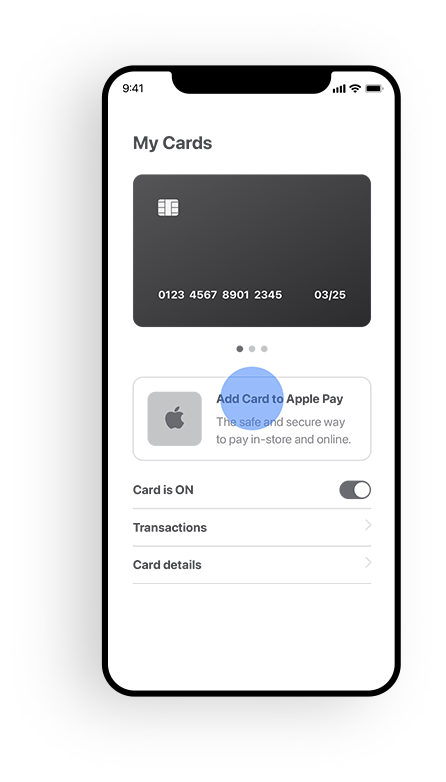
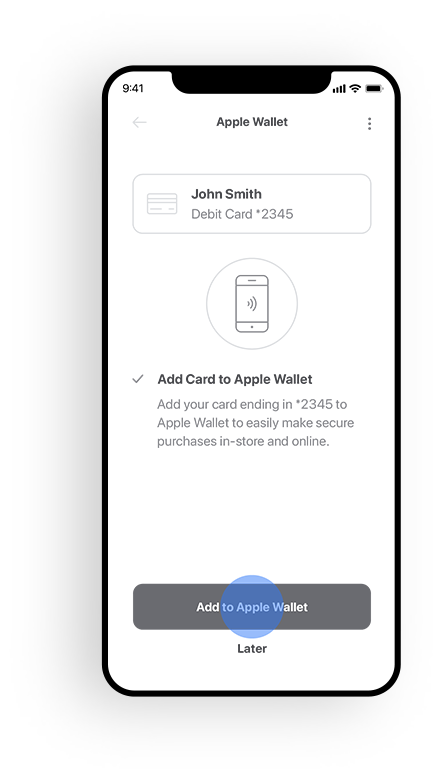
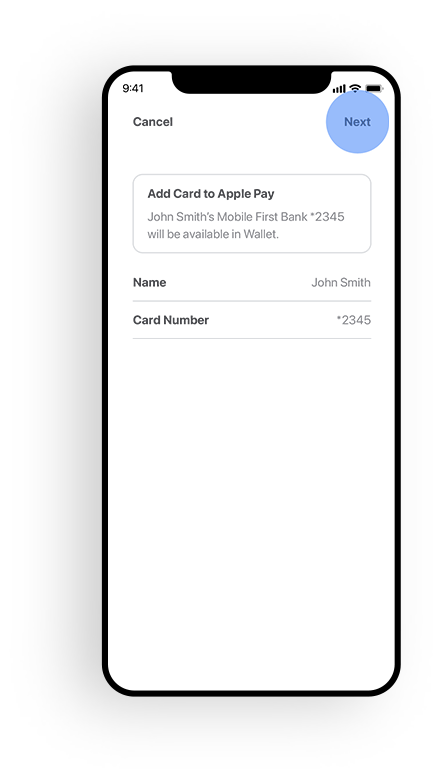
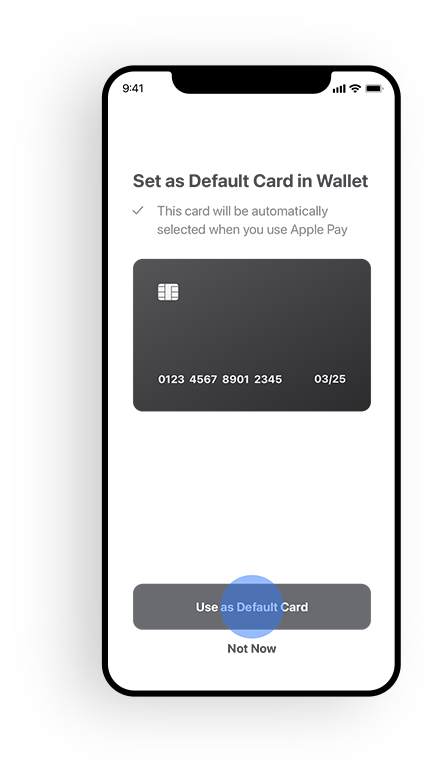

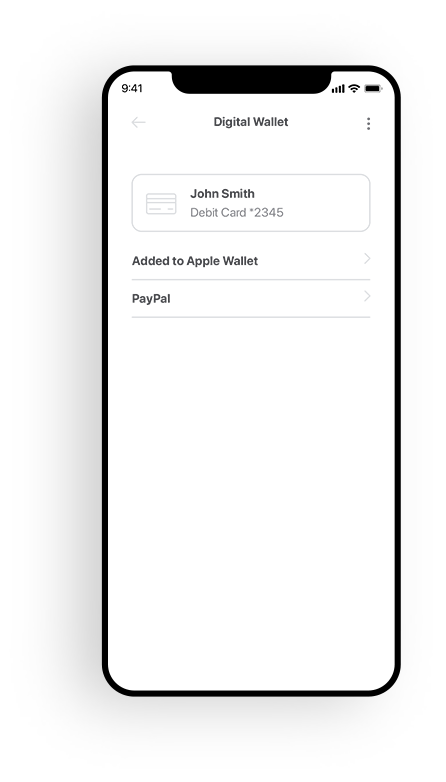
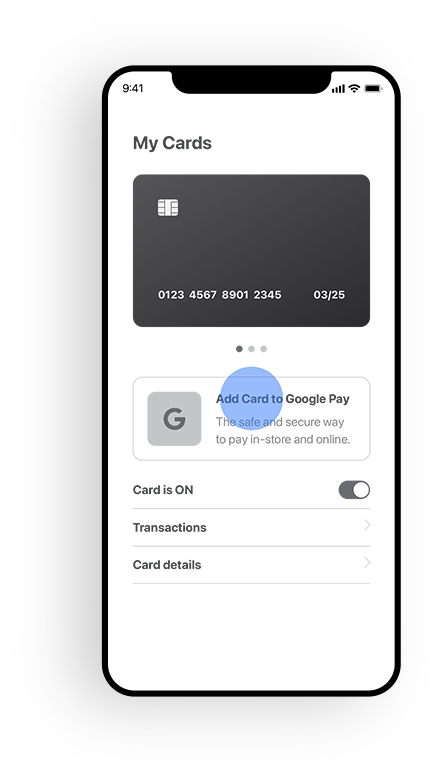
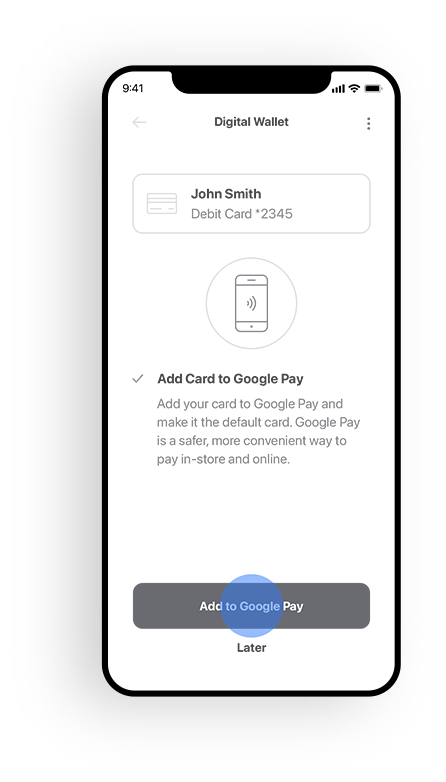
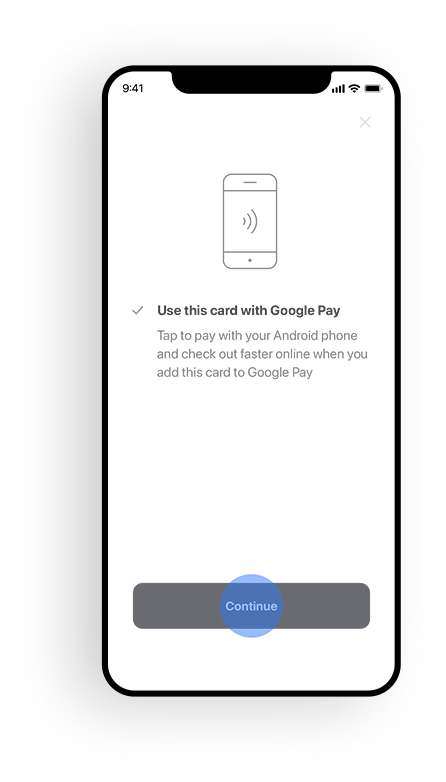
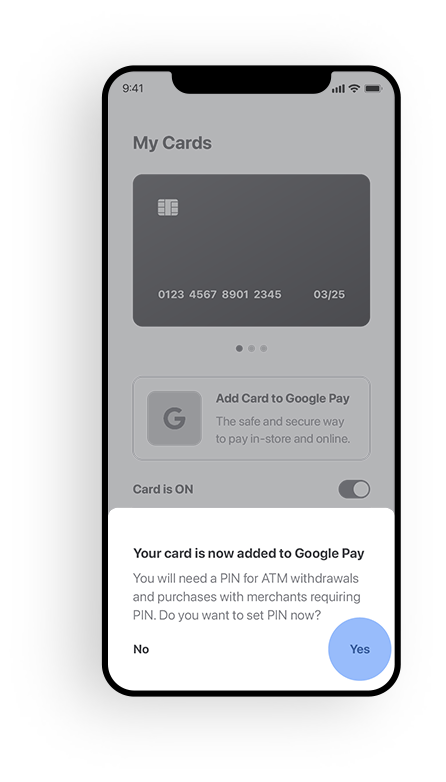
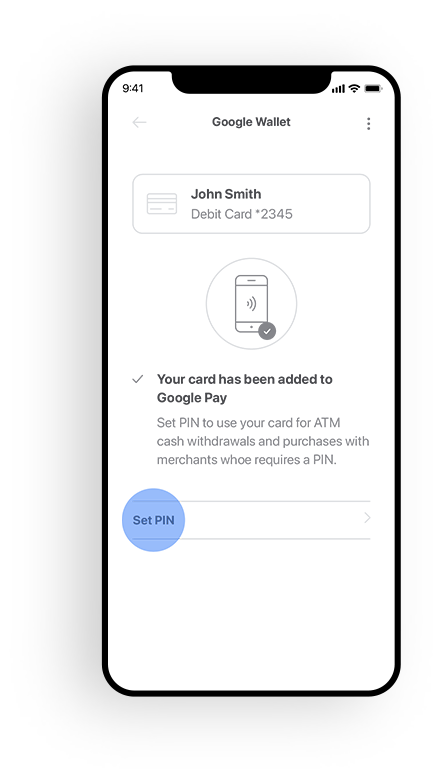
Everything you love about your GHFCU debit card, also in your digital wallet
When you add a card to your digital wallet, all the perks are still available to you. Watch this video to learn about all the benefits of managing your cards.

Download our banking app
Greenville Heritage FCU
520 W. Washington St Greenville, South Carolina 29601 | 8644674160Data charges may apply. Check with your mobile phone carrier for details. App Store is a service mark of Apple Inc. Apple and the Apple logo are trademarks of Apple Inc, registered in the U.S. and other countries. Android, Google Play and the Google Play logo are trademarks of Google Inc.
Copyright © Greenville Heritage FCU. All rights reserved.