Online Banking
From checking balances and transferring funds to paying bills and monitoring transactions, our digital tools make everyday banking fast, convenient, and worry‑free. Designed with powerful security and an easy‑to‑use experience, Online Banking helps you stay in control of your financial life wherever you are.
Check account balances
Monitor deposits and withdrawals
Verify transaction history
Transfer funds between accounts
Pay on your GHFCU loan
Make cross-account transactions
Manage your security preferences
Enroll in or download eStatements
Add a Checking Account
Send a secure e-message
Use financial calculators
Download transactions to your financial management software
How to Enroll
Use your Member Number as your Logon ID and the last four digits of the primary account holder’s Social Security Number as your temporary security code. On first use, you’ll be asked to create your own security code. We recommend an 8-character mix of letters and numbers. Keep it private and change it regularly.
We want your Online Banking experience to be a success in every way, so please visit any of our branches or call (864) 467-4160 if you have a question or require assistance.
Mobile Banking
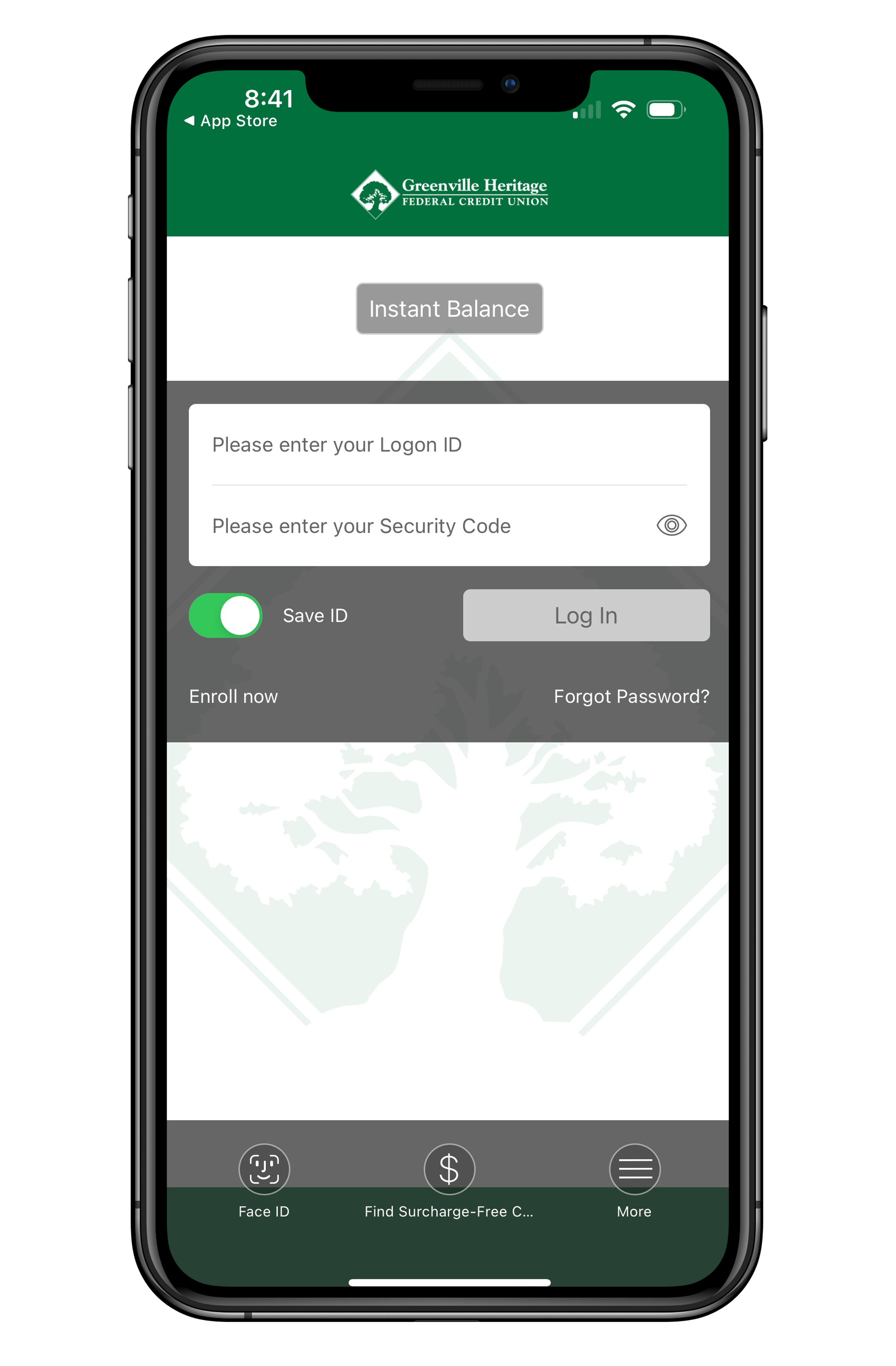
Designed to help you manage your money anytime, anywhere, our GHFCU 2 GO! mobile app offers powerful features like mobile check deposit, bill pay, account alerts, card controls, and 24/7 access to your balances and transactions. The most convenient way to securely access your accounts when you’re on the go.
View account balances and pending transactions
View recent transaction history
Transfer funds from one Greenville Heritage FCU account to another
View loan details
Locate over 37,000 Surcharge-Free ATMs
Remote Deposit Capture Checks quickly and securely
Access Online Bill Pay
Card Control Management
Send money to family and friends with Zelle
For any questions regarding our app, please call (864) 467-4160 during normal business hours and review our Mobile App Privacy Policy.
Online Bill Pay
Greenville Heritage Federal Credit Union’s Online Bill Pay, CheckFree Next, is the next-generation Bill Pay platform that delivers a simple, intuitive, and engaging Bill Pay experience to members within Online Banking. Enjoy better cash flow control, the ability to accept electronic bills, and your account being charged on the same day the biller receives the funds for your payment! If the person or company you need to pay is not set up to take electronic payments, we’ll send a check.
Save money and time on check orders and stamps! Online Bill Pay benefits and features include:
Schedule payments to anyone, anytime.
Set up recurring payments.
Stop payments at any time.
Change dates and/or amounts.
How to Enroll
There are only two requirements for using our bill pay service. You must have a checking account with us and be an Online Banking user.
After a quick registration, you can pay bills anytime from any computer or our Mobile App. Click below to see the FAQ’s and learn more about CheckFree Next features and Benefits.
Online Banking & Mobile Banking Details
Account Balance and History Feature
Online Banking’s Account Balance feature tells you the account number and account type of the accounts you are using with Internet Banking. When you select an account from the list, you get the available and actual balance for that account.
Online and Mobile Banking’s Account History feature enables you to review account history that our institution maintains for each account.
Account Transfers
Online Banking’s Account Transfer feature offers three types of transfers:
Immediate – A transfer is attempted immediately. You are notified if the transfer is successful while you are online (like a transaction at an ATM). The money is actually moved based on the same schedule as transactions performed at an ATM.
One-time – A transfer is made on a date you specify.
Automatic – A transfer occurs as often and as many times as you specify.
Scheduled Transfers
Transfers that are made on future user-specified dates are called “scheduled” transfers. These transfers may be either one-time or automatic. The first transfer date may be no more than 18 months in the future. Scheduled transfers are processed on the scheduled date. Transfers scheduled for non-business dates (such as January 1 or weekends) are processed on the next business day for one-time transfers and on the previous business day for automatic transfers. Online Banking’s Scheduled Transfers feature lets you review one-time or automatic transfers or cancel a transfer before it occurs. You can also change information, depending on the type of scheduled transfer:
One-time transfer – You can change the amount and date of the transfer
Automatic transfer – You can change the amount, next transfer date, number of transfers, and transfer frequency. The changes affect all future transfers.
If you want to change the FROM or TO account, you must cancel the transfer and set it up correctly. An immediate transfer takes place the instant you confirm it, so it cannot be modified or canceled afterward.
Transfer History
Online Banking’s Transfer History feature provides the details, including the status of transfers you’ve made. You have several ways in which to select which transfer(s) you want to review. If you don’t specify any criteria, you get all available transfer history. If you specify:
Account number – You receive all transfers for that account
Transfer dates – You receive transfers from the start date to the end date.
Transfer amount – You receive all transfers within plus or minus $10 of the specified amount.
If you want to direct the search to a more restricted list of past transfers, specify a combination of transfer details.
Loan Payment Feature
Online Banking’s Loan Payment feature allows you to make immediate, one-time, or automatic payments to a loan.
Secure Mail Feature
Secure Mail feature offers the capability to send, save, review or delete messages to Customer Service. You can use this feature at any time to communicate questions, problems or requests.
Personal Options Feature
Personal Options feature allows you to: change your security code, add or delete an account, establish or change passphrase information, and create a personalized Logon ID. Personal Options can be used to change your personal information on the service; however, you must notify our institution directly of any relevant changes to your name, address, or phone number.
How to Log In to the Mobile App
Members must first enroll in Online Banking via a web browser prior to logging into the app.
Once you have downloaded the app on your phone or tablet:
Log in using your Online Banking credentials to become familiar with the app.
Enable push notifications in our Mobile Banking app so you know exactly what to expect and when.
Mobile Remote Capture
Mobile Remote Deposit Capture (MDC) is a way for you to deposit checks wherever you are. You can deposit a check into your Greenville Heritage Federal Credit Union (GHFCU) Savings or Checking Account using your mobile device.
Card Control Management
GHFCU 2 Go! gives GHFCU members greater insight into their spending habits and greater control over their debit cards! Debit card control features, designed to optimize your mobile banking experience, can be accessed by tapping My Cards in the Quick Links section directly under the account listings right inside our Mobile Banking App.
Helpful features include transaction notifications, enriched transactions to clearly see where your purchases are made, recurring payment visibility for subscriptions and cards on file with merchants, controls and alerts for location, merchant type, and spending limit preferences, and tracking spend by month, category, and more.
Digital Wallet
Make Spending a Breeze
Add your Greenville Heritage FCU debit card to your digital wallet
Enjoy the convenience of using your debit card in your digital wallet. Easily add it in just a few taps, and you can:
Pay in-store
Use in-app
Check out online
Make ATM Withdrawals